
How to Get Otter Tail County Court Records
Court Administration is where the files live for the Otter Tail County District Court. That court is part of Minnesota's Seventh Judicial District. Its divisions cover civil, family, probate, juvenile, criminal and traffic, and conciliation matters. Minnesota Court Records Online, called MCRO, lets anyone view and download public documents free. Those remote copies are unofficial. A courthouse public-access terminal can reach deeper into the court system than MCRO. Court Administration takes care of certified copies, archived files, exhibits, and transcripts.
You can visit the counter, call, or mail a request. Otter Tail has no county-specific copy form in the statewide materials. So a statewide form or a plain letter works. A party to a case may file through Minnesota Judicial Branch eFile and eServe, known as eFS. A nonparty should check with Court Administration first about an administrative file number. Give the case number, county, caption or case title, the document wanted, its date or filing description, the copy type, and how you want it delivered. Appeals follow the Minnesota Court of Appeals record system instead of this trial-court route.
- Find the case number in MCRO or identify the parties and the record needed.
- Use MCRO when a public, uncertified online document is sufficient.
- For a fuller electronic view, use the courthouse public-access terminal.
- Send a statewide copy form or letter, or contact Court Administration by phone, mail, or at the counter.
- Specify plain, certified, or exemplified copies and confirm the applicable charge.
- Use eFS only when the court directs a party to file the request into the case.
Otter Tail County ROA Search
Start at the Minnesota Court Records Online Register of Actions, known as MCRO. It lays out a public case as a chronological history, entry by entry. You can run the search by name, case number, citation number, or attorney information. The system covers the whole state, so narrow it to Otter Tail County cases. A case number is usually the best starting point. A name search can miss a pending criminal, traffic, or petty-misdemeanor case, even one with no conviction. The same file still comes up by its number. So a zero result does not prove the court file is absent.
The MCRO Document Search works differently. It needs a case number, and it shows only public documents placed online. Reading the ROA entries carefully lets you tell apart a filed paper, a scheduled hearing, an order, and a disposition. What you see is a public online view, not an official copy. A case search can help you find the number before you request a record. Court Administration provides the certified court version whenever one is required.
For the statutory side, the Minnesota Legislature’s Chapter 484 district-court materials set out the state trial-court framework that stands behind the local Otter Tail County docket.
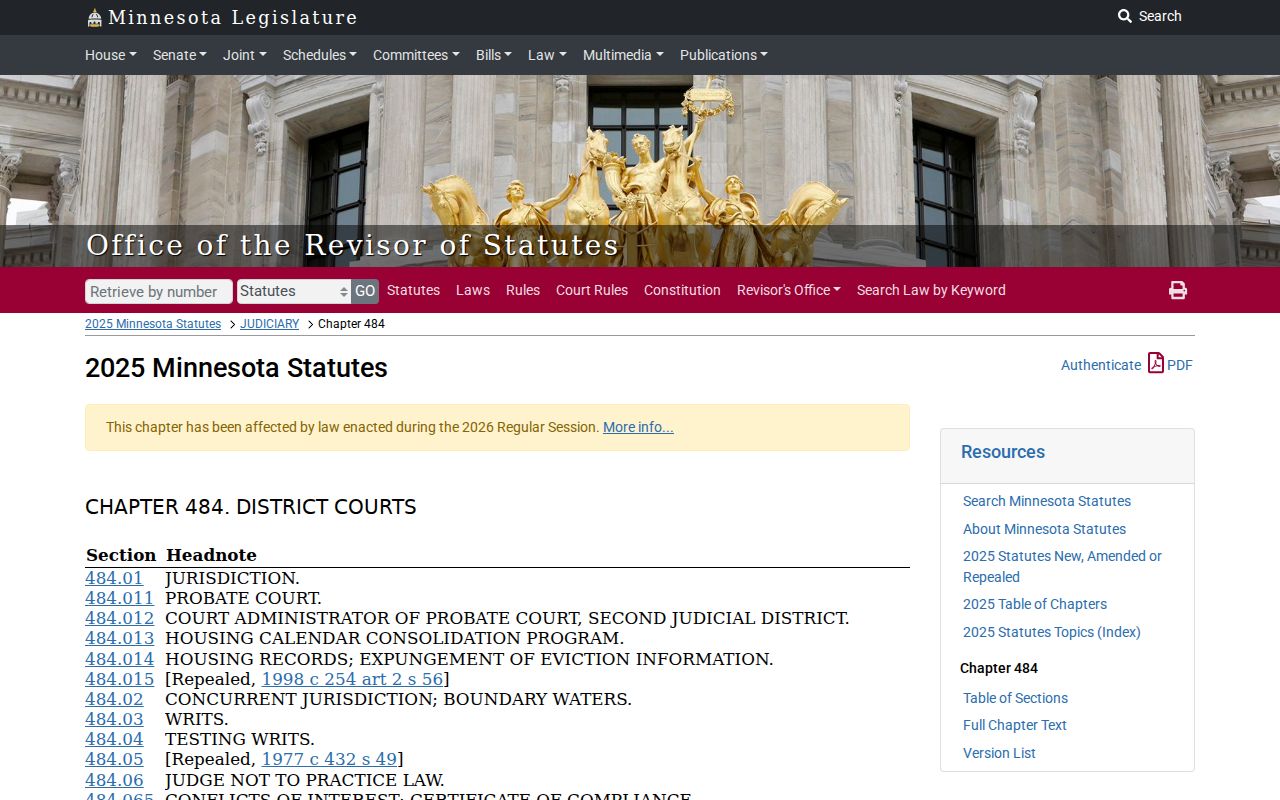
That statewide setup is why an Otter Tail case stays within the District Court record system. A city office, a law-enforcement file, or the county recorder will not hold it.
Types of Otter Tail County Court Records
Court Administration's six divisions map the local file groups. A public record may hold the ROA, pleadings, orders, judgments, hearing information, and financial entries, all subject to the access rules for that case. The division label does not decide a case's result. It just names the type of matter and the court record system keeping it.
- Civil files, including general civil actions and eviction matters.
- Family case records, which can have narrower remote access.
- Probate, guardianship, conservatorship, and related estate materials.
- Juvenile matters, where access can be restricted by rule or order.
- Criminal and traffic case files, citations, dispositions, and court obligations.
- Conciliation Court files, Minnesota’s District Court small-claims division.
Otter Tail County Court-Record Terminal
Remote and courthouse access are not the same. Public-access terminals from the Minnesota Judicial Branch sit in district courthouses and can give fuller MNCIS or MNPAC access than the remote MCRO screen. That gap matters when the online record says a name is unavailable, when a document is not posted, or when an older paper or archived file must be tracked down. The terminal cannot override a sealed or confidential restriction. What it offers is a local way for the public to see whatever the access rules allow.
Before ordering copies, use the terminal to confirm the county, case number, and document description. If staff say a file is off-site, ask how retrieval works rather than assuming it was destroyed. The official Otter Tail County District Court page names the local court, and Court Administration can explain the record-access step for a particular file.
What an Otter Tail County Court Record Contains
An ROA is a running event history, not a list of names. The fields you see vary with case type and public-access status. Read a filing or hearing entry for exactly what it says. By itself, it does not prove an allegation true. Nor does it show that a court reached a final result.
| Court File Number | The complete identifier used by Court Administration and MCRO to retrieve the case. |
|---|---|
| Case Category and Status | The case classification and current court status, which are not a finding about the parties. |
| Register of Actions | The chronological list of filed, scheduled, and entered court events. |
| Pleadings and Documents | Publicly available filings, orders, notices, and document links when remote access permits them. |
| Hearing Information | Public hearing date, type, location, and judicial-officer information where shown. |
| Disposition and Financial Entries | Orders, judgments, satisfaction or closure entries, and court financial obligations where public. |
Otter Tail County Record Copy Requests
Start by naming exactly what you need. An Otter Tail County copy request works best when it identifies the judicial district, the case number, and the case title or caption. Say which document or event you want copied. A strong request also gives the filing date or a description of the filing, the number of copies, and whether they should be plain or certified. Add your contact and mailing details, your pickup or delivery preference, and your payment method or fee-waiver information. The statewide form is optional here. A letter covering those details works fine. Use it unless Court Administration points you to a different process.
Confidential and sealed records go down a different road. A named party may get a confidential record once identity is verified. A sealed record, or a nonparty request for confidential material, can require a Request for Access to Confidential or Sealed Record and a judicial decision. Ask Court Administration which process applies; a routine copy request cannot lift the restriction.
The Judicial Branch copy-request guidance spells out the difference between ordinary copies and certified or exemplified court documents.
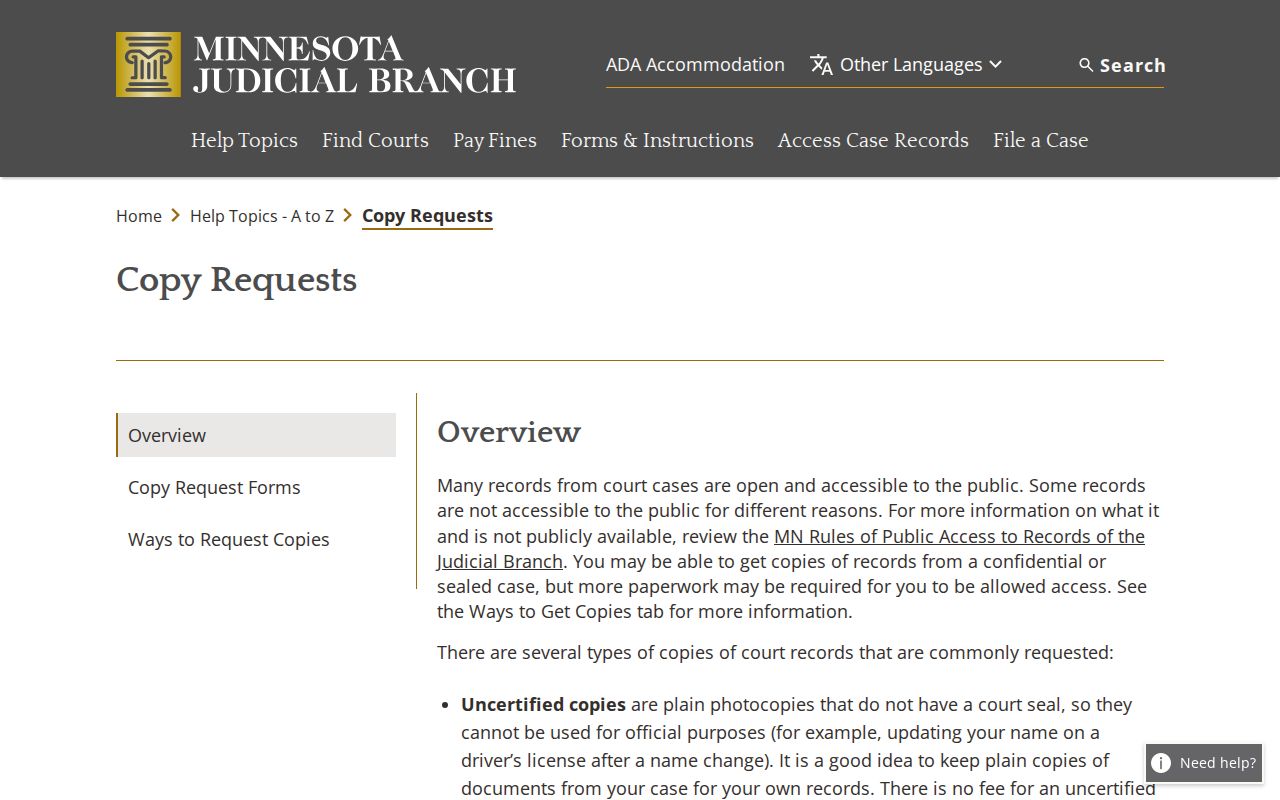
The difference matters. A free MCRO document can serve for personal review, but a certified or exemplified copy has to come through the court's own records process for a docket or case file.
Certified Copies and Fees
Plain copies are uncertified. Certified copies carry the court's certification. Exemplified copies add the form of authentication the Judicial Branch describes. The live county fee page controls whenever a fee changes. The amounts listed here are the substantiated Otter Tail copy and record charges, not filing fees. Confirm the amount and payment method with Court Administration before placing a time-sensitive order.
| Item | Amount |
|---|---|
| Uncertified printout, scan, screen print, or ordinary copy | $0 |
| Certified copy, certified printout, certified scan, or certified MNCIS screen print | $14 |
| Exemplified plus uncertified copy | $14 |
| Exemplified plus certified copy | $28 |
| MNCIS-generated report, 1–50 pages | $5 |
| Additional report pages, each 50 pages or part | $25 |
| Scanning, each 50 pages or part | $25 |
| Certified judgment search, per name | $5, verify current table |
The Otter Tail district-court fee page shows the current charges.
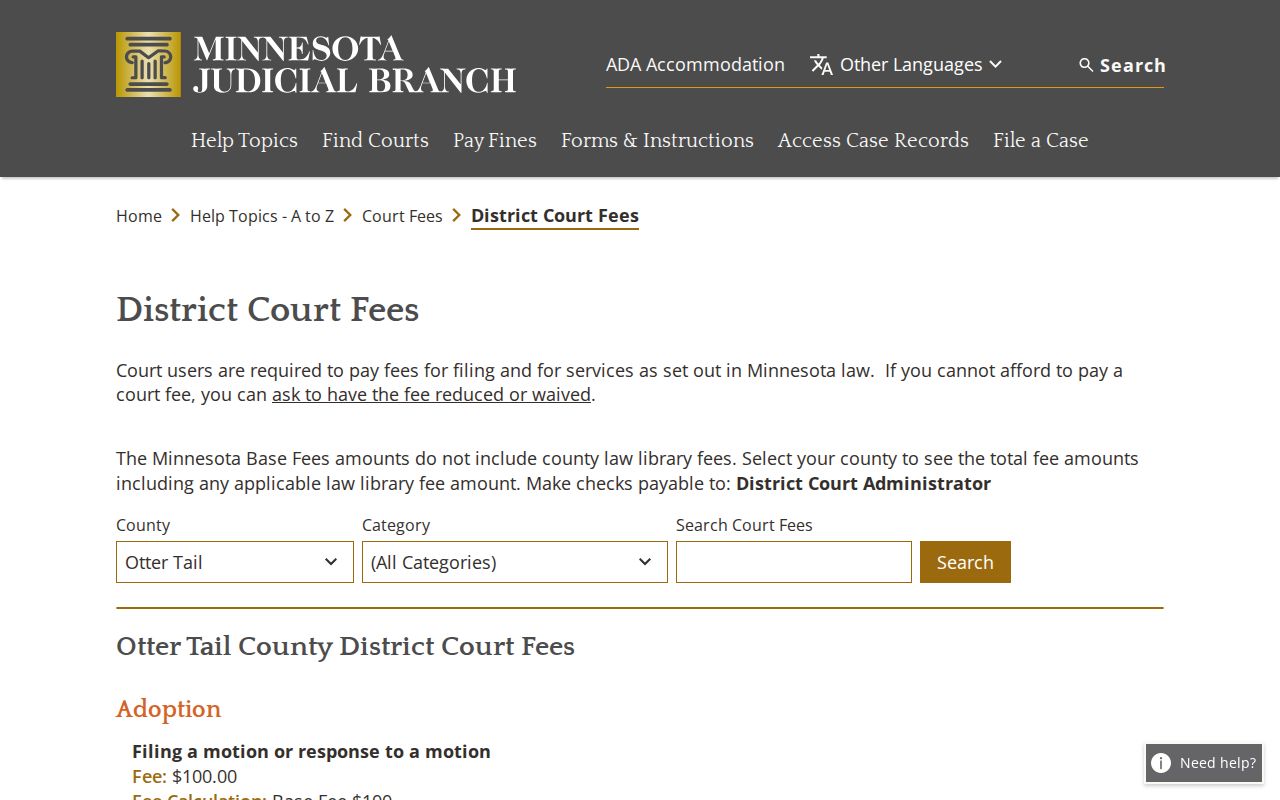
Fee categories divide free ordinary access from the court work that certification, reports, scanning, and authentication add.
Otter Tail County Court Administration
Otter Tail County Courthouse, Floor A2
121 W Junius Ave
Fergus Falls, MN 56537
218-560-7045
Monday–Friday, 8:00 a.m.–4:30 p.m.
Otter Tail County Transcript Requests
A transcript is not a copy of a filing. It is a court reporter's product. No written request, no transcript. Your request should give the county and court, the case number, the proceeding date, and the judge. Also name the portion you need, your contact information, the delivery format, and whether the request is ordinary or expedited. Court Administration can tell you who the reporter is. That reporter quotes the cost and the timeline. No transcript is produced merely because an audio or video record exists.
Under the policy effective December 1, 2024, criminal and juvenile-delinquency transcripts are listed at $4.25 per page. Civil, family, probate, child-protection, and related proceedings are listed at $5.75 per page. Electronic delivery is standard. A confidential proceeding may need the applicable access form and a court decision before the transcript request can move ahead.
Public Access and Sealed Records
Minnesota court records are presumed open during the custodian's regular office hours. The presumption has limits. A rule, a statute, or a court order can make a particular record nonpublic. Openness never guarantees that every file is remotely visible, certified, or freely reusable. Juvenile, adoption, child-protection, commitment, domestic-abuse, harassment, and certain family records carry special access limits. Protected-location information does too. Restricted identifiers must also be protected in filings.
The Minnesota Government Data Practices Act covers many non-court government records, such as agency-held material. It is not the rulebook for an Otter Tail Judicial Branch case file. For the court file itself, start with Court Administration and the Judicial Branch access rules. If MCRO shows no case or document, it may be confidential or sealed. It may be older than the remote imaging range. Or it may be unavailable by name search. It may simply not be posted remotely.
Key Rules:
Minnesota Rules of Public Access to Records of the Judicial Branch establish the general presumption of open court records and the access limits that qualify it.
Minnesota Judicial Branch Rules Hub is the current source for court rules, including filing and redaction rules that affect electronic records.
Minnesota Statutes Chapter 484 supplies the district-court jurisdictional framework for the Otter Tail trial court.
Minnesota Judicial Branch access-to-case-records guidance explains the difference between remote information and courthouse access.
Otter Tail County Older-File Access
Older records need more planning than a current e-filed document. Remote access varies by case type. Many public documents filed on or after July 1, 2015 are online in major criminal and civil cases and several probate-related case groups. Family and paternity materials get narrower remote access. Some court-generated public documents appear for cases filed from July 1, 2005 through June 30, 2015. Older material is more limited online.
For an older file, write down the case number and any known filing or hearing date. Then ask Court Administration whether the file is at the courthouse, in an archive, or subject to a restriction. Many requests finish the same day. Off-site records can take longer. That county-specific follow-up is far more reliable than treating a missing online document as a missing court record.